Complete Control.
Stop turning encoders forever. FocusTool connects your console with a handheld gaming controller, giving you true analog control for faster programming and pinpoint accuracy.
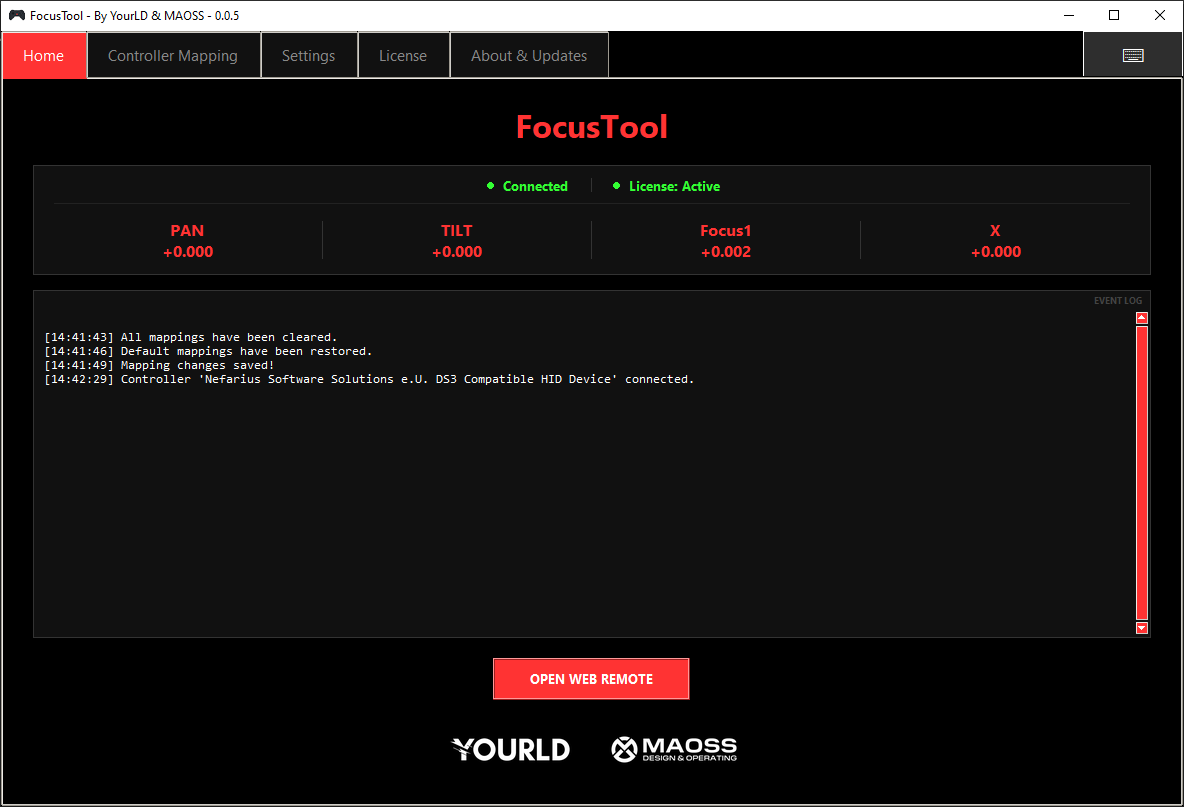
Powerful features. Simple interface.
Handheld-ready
Optimised for modern handheld PCs (MSI Claw, Steam Deck). Real-time Detection: plug in your controller and start focusing instantly.
Control any attribute
Go beyond Pan/Tilt. Control Dimmer, Color, Zoom, or Shapers. Combine attributes to control opposite blades with one joystick.
Fully customisable
Remap any button to built-in functions, custom OSC commands, or hotkeys. Adapt FocusTool to your workflow.
Advanced joystick modes
Switch to Simultaneous Mode to control Pan, Tilt, and other attributes at the same time.
Speed control mastery
Switch between Slow Mode for precision, Fast Mode for large movements, and Boost for maximum speed.
Broad console compatibility
Seamless connection to grandMA3 (OSC), grandMA2 (Telnet), and ChamSys MagicQ (OSC).
Integrated Web Remote
Launch the grandMA3 Web Remote in a dedicated pop-up with Auto-Login support.
Real-time feedback
Live display of status, connectivity, and exact movement values being sent.
Quick setup
Standalone application that works out of the box. Set your console IP and start working.
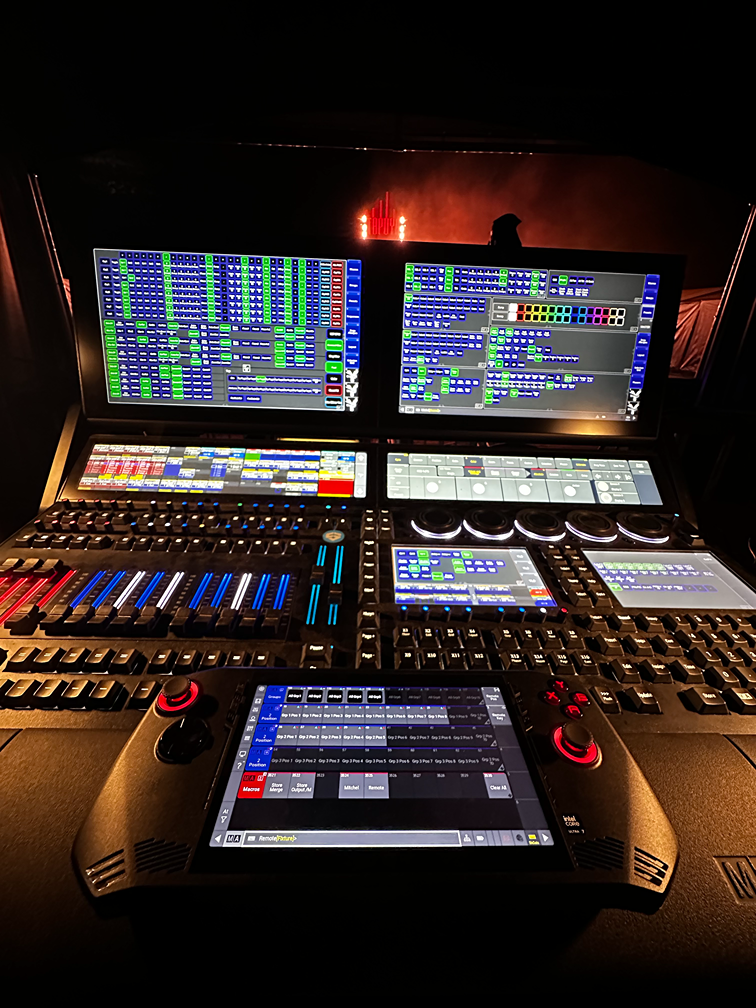
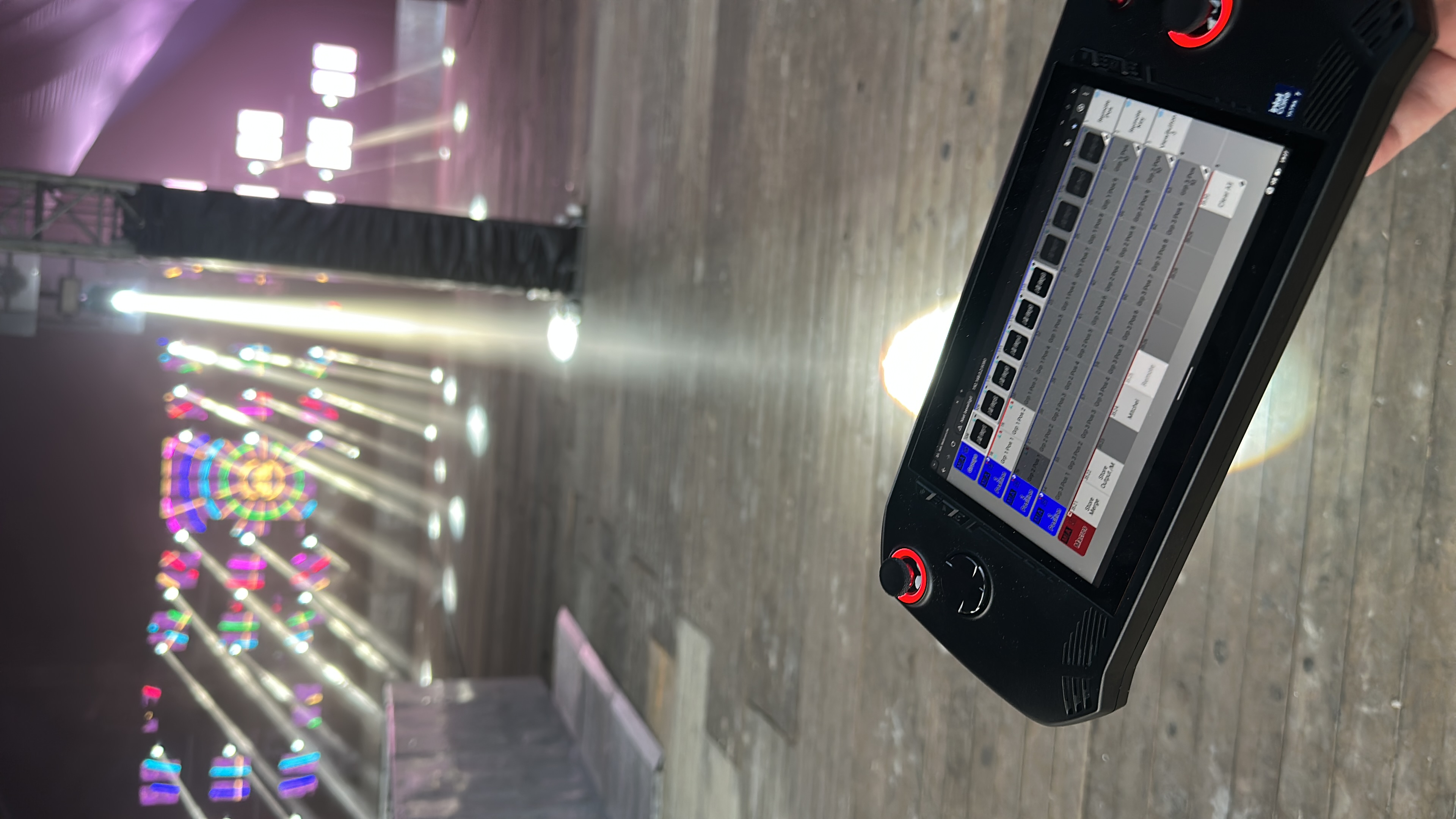
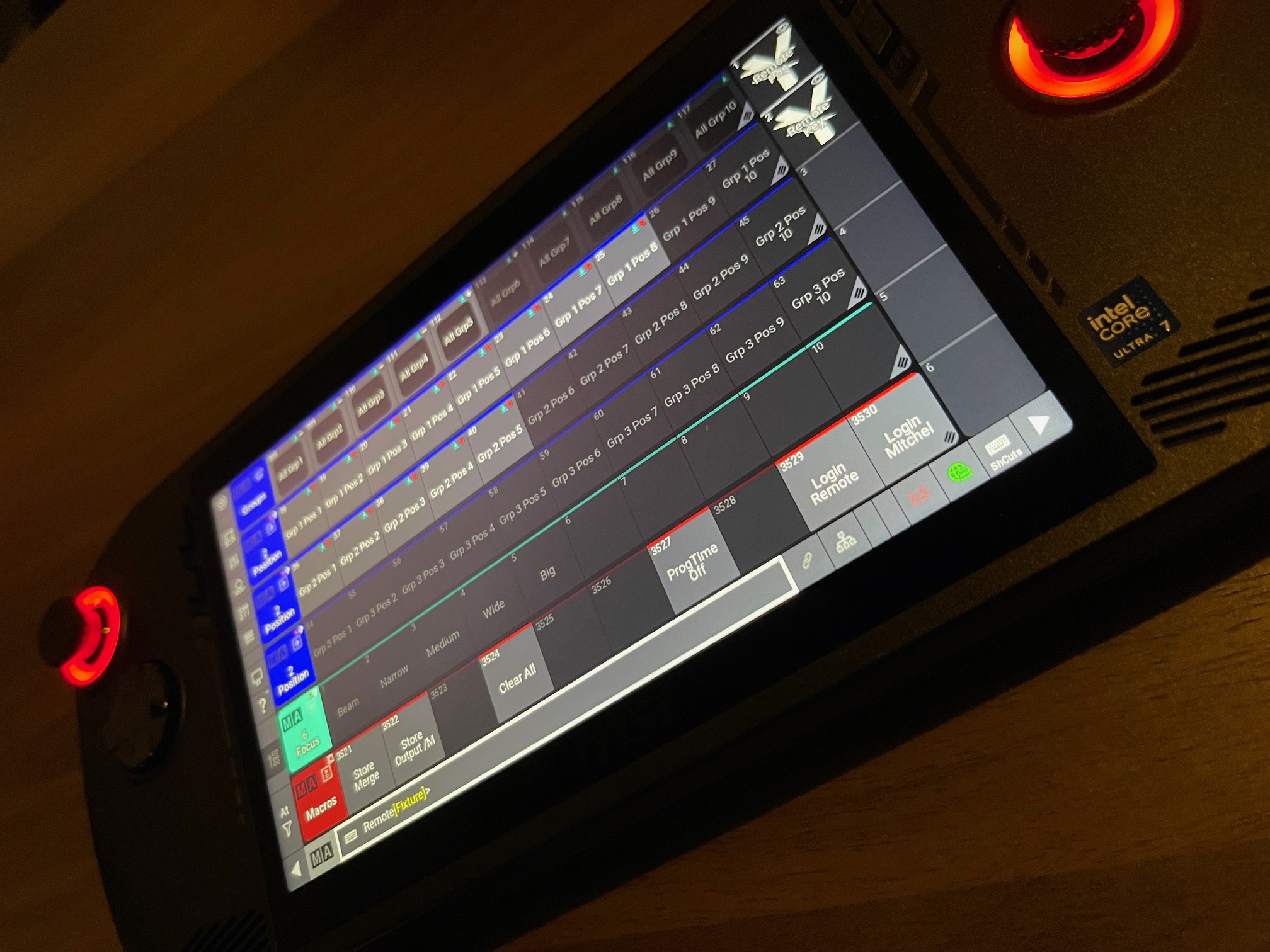
FocusTool in Action
Get your licence and speed up your workflow
Purchase your licence today and experience a faster, more intuitive way of focusing.
Note: The license does not include a handheld gaming controller.
Frequently Asked Questions
What do I need to use FocusTool?
A handheld gaming console running Windows or Linux (MSI Claw recommended, Steam Deck supported), and a grandMA3/grandMA2 console on the same network.
Is the licence a subscription?
No. Your purchase is a lifetime licence for the current major version.
Which controllers work best?
FocusTool is optimized for integrated controllers of Windows handheld gaming consoles like the MSI Claw.
How do software updates work?
FocusTool includes a built-in updater (Windows). Linux users can download updates manually.
Does it work with both grandMA3 and grandMA2?
Yes. FocusTool supports grandMA3 (OSC), grandMA2 (Telnet), and ChamSys MagicQ (OSC).
Is network setup complicated?
No. Just enter your console IP in settings. Both devices need to be on the same network.
Can I use FocusTool offline?
Yes, after initial activation. Online check-in required every 90 days.
How many devices can I activate?
One license is valid for one device (hardware-locked).
Contact
Support is available by email only. Please read the manual before contacting us.
E-mail: mitchel@yourld.nl