Professional Focus Tool
Stop chasing fixtures.
Start focusing smarter.
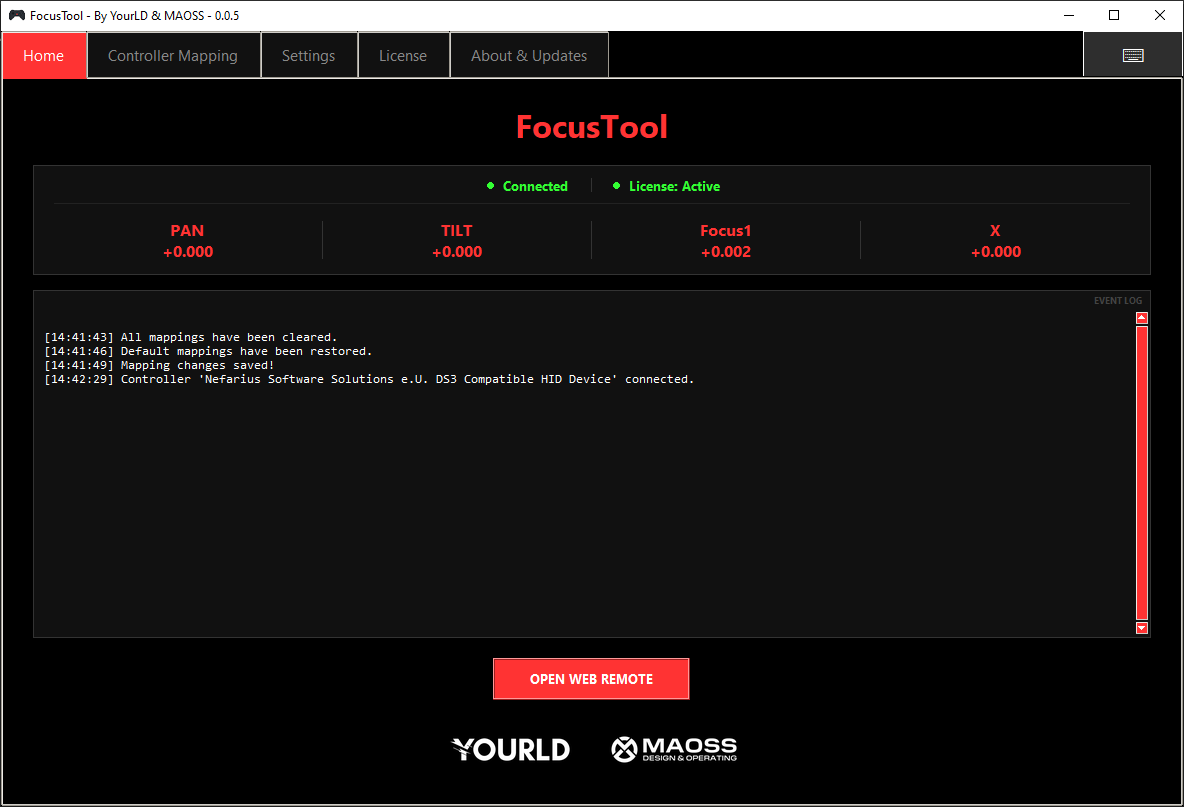
FocusTool puts your lighting console in your hands. Connect your grandMA3, grandMA2 or ChamSys MagicQ to a handheld gaming controller and get true analog attribute control. Anywhere on stage, without running back to the desk.
Why professionals switch
The Old Way vs. The FocusTool Way
Without FocusTool
- Controlling fixtures via a tablet or laptop. Clunky interface, small buttons, never quite where you need it.
- Imprecise and uncomfortable to use. Getting a fixture exactly where it needs to go takes multiple passes and constant correction.
- Switching between Pan/Tilt, Zoom, Colour, or Shapers means digging through menus. It breaks your flow every time.
- Every tool feels like a workaround. Nothing was actually built for this. You adapt to the tool, not the other way around.
With FocusTool
- A handheld gaming controller purpose-built for the job. Familiar, responsive, and always within reach on stage.
- Analog joystick control with Slow, Fast, and Boost modes. Pinpoint precision or wide sweeps, exactly when you need it.
- Switch between Pan/Tilt, Zoom, Colour, and Shapers instantly with a button press. Your full toolkit, always one click away.
- The more you use it, the faster you get. The controls feel like second nature, like playing a game you already know how to win.
Trusted by industry professionals
Used on the World's Biggest Stages
From touring productions and festival stages to corporate events and broadcast shows. Lighting professionals working with major artists and production companies rely on FocusTool every day.
Touring & Live
Used by lighting technicians on international touring productions. Speed and reliability during focus calls are non-negotiable, and FocusTool delivers.
Production Companies
Trusted by production companies running large-scale shows across Europe and beyond. FocusTool is now part of their standard workflow.
Festivals & Events
From multi-stage festivals to high-profile corporate events. Teams that need to focus fast under pressure turn to FocusTool.
Built for the stage
Everything You Need. Nothing You Don't.
FocusTool is purpose-built for lighting professionals. Every feature exists to reduce friction and keep you focused on the creative work.
Instant Setup
Handheld-ready
Optimised for the MSI Claw and Steam Deck. Plug in your controller and start focusing. No drivers, no fuss.
Full Attribute Control
Go beyond Pan/Tilt
Control Dimmer, Colour, Zoom, and Shapers. Combine attributes to drive opposite blades with one joystick.
Fully Customisable
Your console, your rules
Remap any button to built-in functions, custom OSC commands, or keyboard hotkeys. Adapt it to your workflow.
Advanced Joystick Modes
Simultaneous control
Switch to Simultaneous Mode to control Pan, Tilt, and other attributes all at the same time.
Precision Speed Modes
Slow, Fast & Boost
Switch between Slow Mode for fine precision, Fast Mode for big moves, and Boost for maximum speed.
Multi-Console Support
grandMA3, grandMA2 & ChamSys
Seamless OSC to grandMA3, Telnet to grandMA2, and OSC to ChamSys MagicQ. One tool for all.
Integrated Web Remote
grandMA3 Web Remote built-in
Launch the grandMA3 Web Remote in a dedicated pop-up with Auto-Login support for fast access.
Real-Time Feedback
Always know what's happening
Live display of connectivity status, active selections, and exact movement values being sent.
Works Out of the Box
Zero configuration
Standalone application. Set your console IP, connect your controller, and start working immediately.
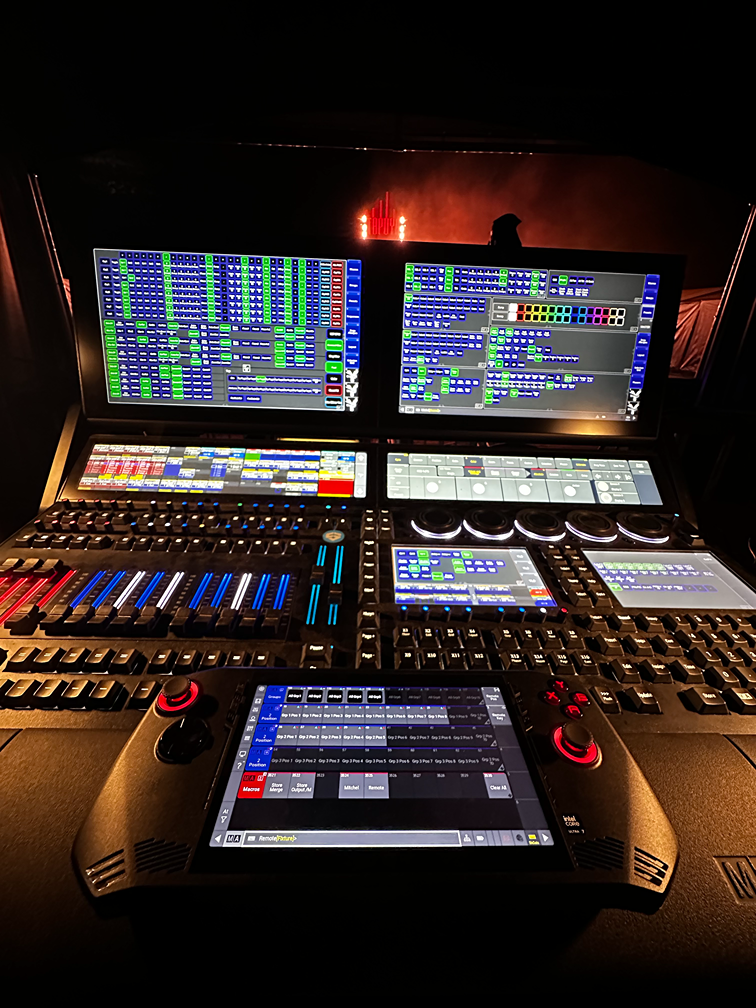
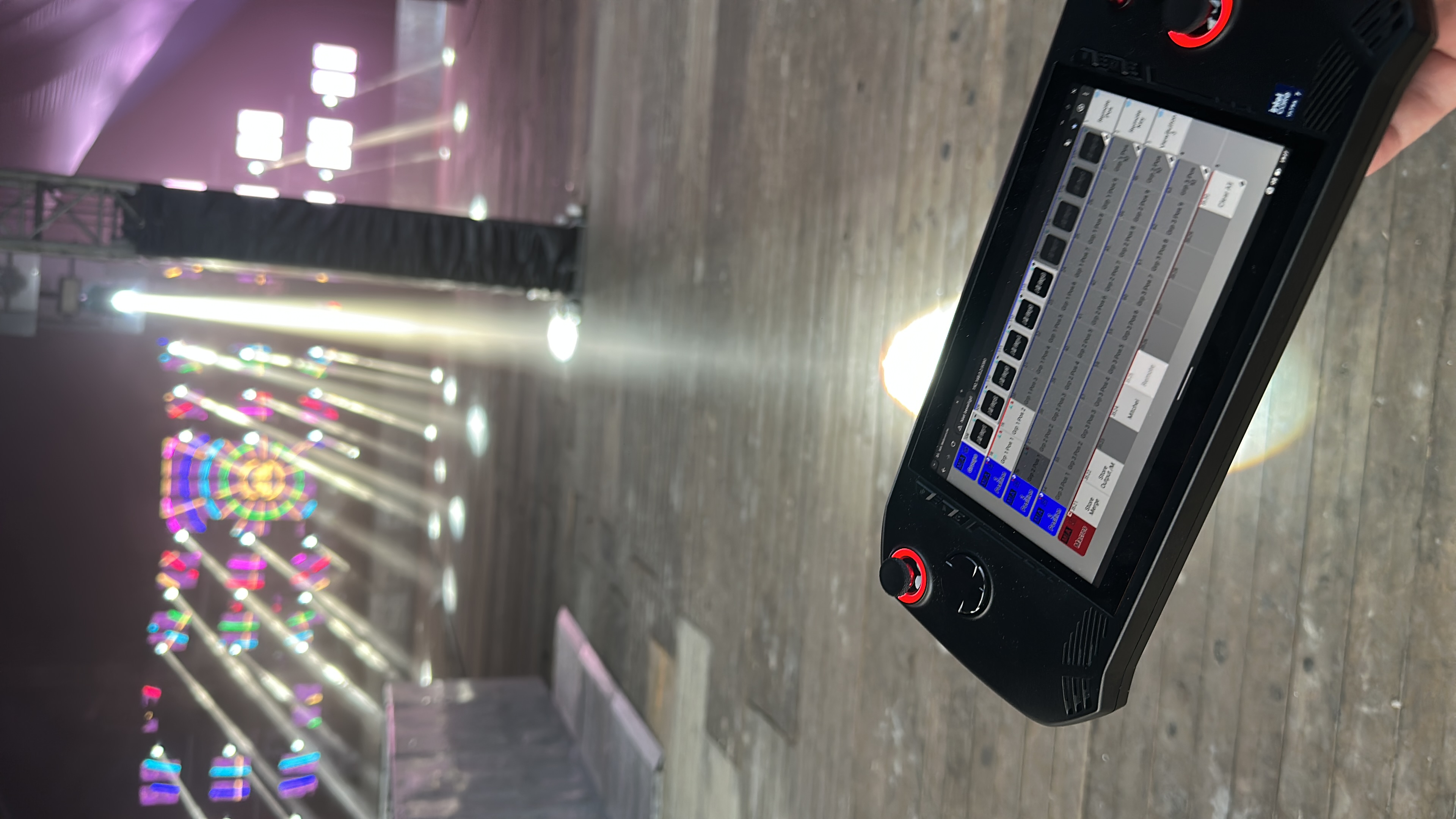
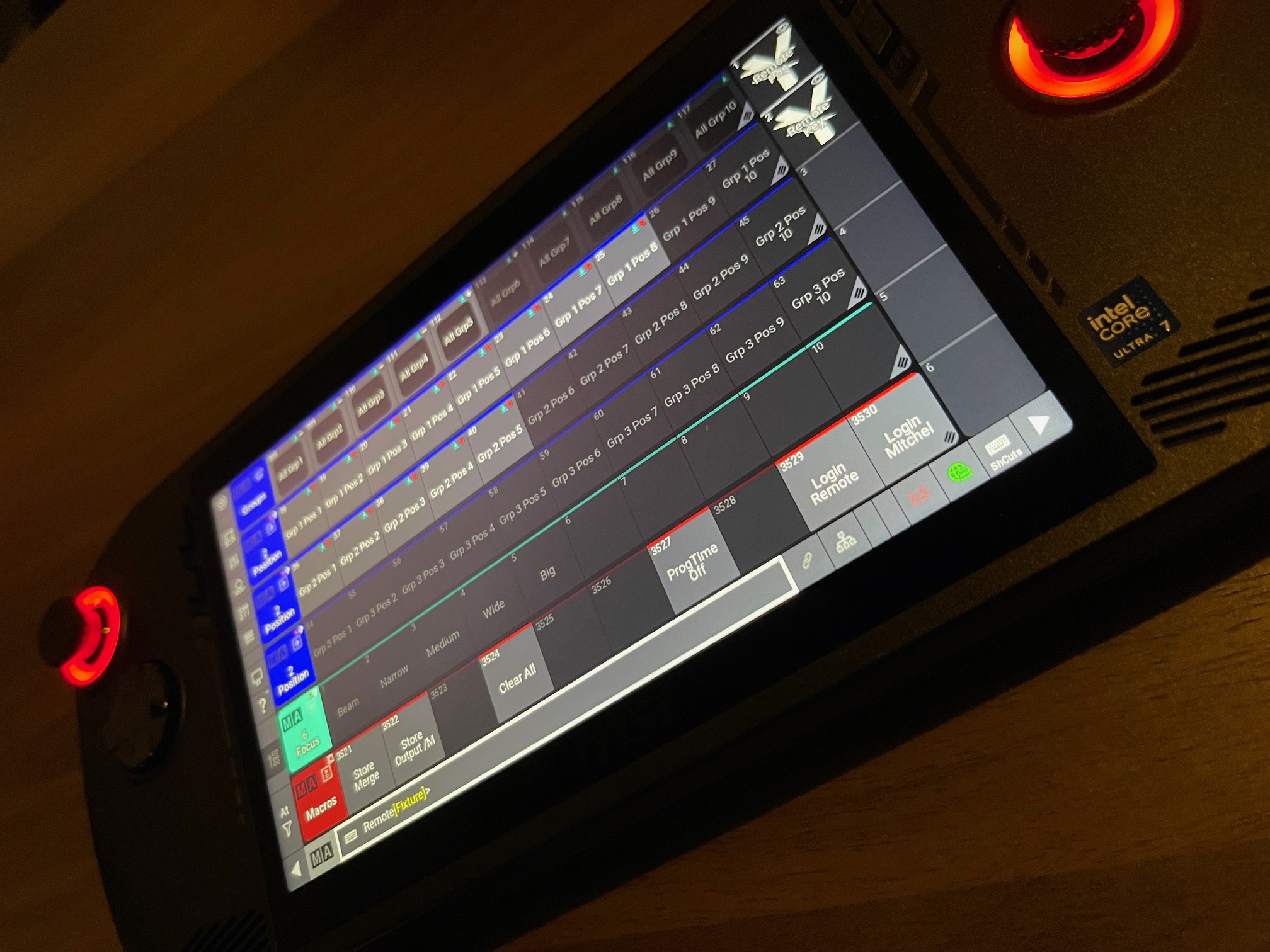
FocusTool in Action
Field demo
One-time purchase · Lifetime licence
Start Focusing Smarter Today
Join hundreds of lighting professionals worldwide who have cut their focusing sessions in half.
Note: The licence does not include a handheld gaming controller. See the User Manual for compatible devices.
Frequently Asked Questions
What do I need to use FocusTool?
A handheld gaming console running Windows or Linux (MSI Claw recommended, Steam Deck supported), and a grandMA3/grandMA2 console on the same network.
Is the licence a subscription?
No. Your purchase is a lifetime licence for the current major version.
Which controllers work best?
FocusTool is optimized for integrated controllers of Windows handheld gaming consoles like the MSI Claw.
How do software updates work?
FocusTool includes a built-in updater (Windows). Linux users can download updates manually.
Does it work with both grandMA3 and grandMA2?
Yes. FocusTool supports grandMA3 (OSC), grandMA2 (Telnet), and ChamSys MagicQ (OSC).
Is network setup complicated?
No. Just enter your console IP in settings. Both devices need to be on the same network.
Can I use FocusTool offline?
Yes, after initial activation. Online check-in required every 90 days.
How many devices can I activate?
One license is valid for one device (hardware-locked).
Contact
Support is available by email only. Please read the manual before contacting us.
E-mail: mitchel@yourld.nl